


 Home / News & Events /
-
Share
-

-

-

-

Updated 5 days ago
Thermal Shipping Labels: From Packing Line Trial to Bulk Order Approval
admin
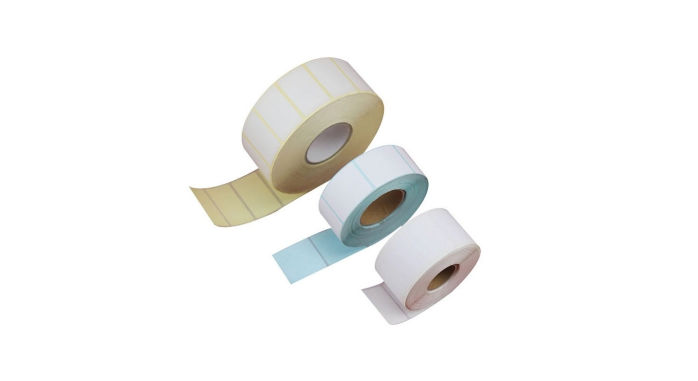
A clean first waybill can start to cause problems mid-shift from a new roll of thermal shipping labels. The printer may begin skipping labels, a bar code may scan on the bench but not on a full mailer, or corners may rise up before the carrier picks up the mailer. But all symptoms may indicate a different portion of the packing process, and without narrowing down the problem, the team may find itself doing the same thing over and over.
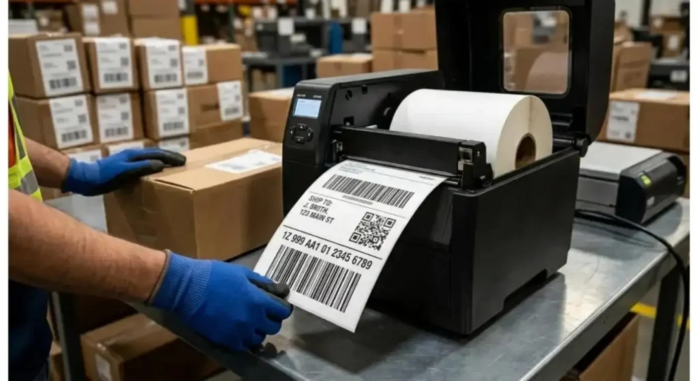
The relevant question for e-commerce fulfilment or for a third-party logistics warehouses is if they can use a candidate roll to replace the existing stock on a live packing line. A side-by-side test is to be used initially, and then the printed label from the printer to where a parcel would be scanned again.
Set up a trial you will be able to repeat.
Preserve a roll of current stock that is used as a reference. For both rolls pack from the same packing station, print using the same printer, carrier template and test shipment. Pick a regular carton and a mailer or another package that has been problematic in the past. Both samples should be initially tested at the normal station operating conditions. If later print speed, darkness or other setting is changed, change one at a time and note the change, so that another operator can repeat your trial.
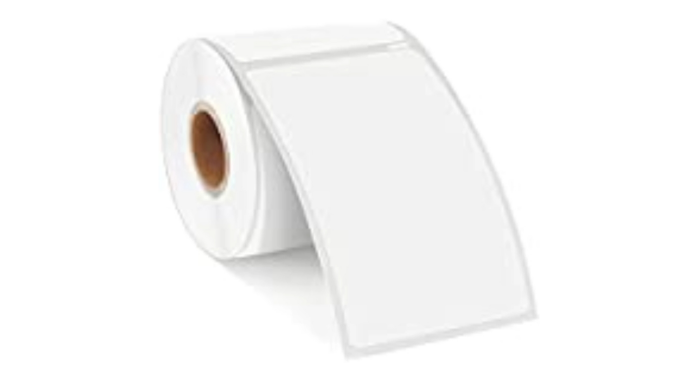
Direct Thermal shipping labels are made with a paper surface that is chemically treated to react to heat. No ribbon is used, the printhead forms the image. Please check the station operates in direct thermal mode and roll is compatible with the roll holder and media path before ordering samples. If your station already has a specific core, outer diameter or winding orientation, then Jin Bao Brother's customized direct thermal label rolls are a starting point. Provide printer model and picture of current roll in printer.
Determine the reason the printer is skipping a label.
Observe the movement of the media as it passes through the short run, pause and restart the job as it would during a typical job shift. A blank label in between two printed labels is indicative of a feed or sensing problem. If an image is drifting or clipping around the edge, you should look at the page size, print orientation and print alignment. Repeatedly load the reference roll and perform the same job to confirm if the symptom occurs with the new stock.
Measure each label, without the space between labels. Four by six inches is 101.6 × 152.4 mm, while 100 × 150 mm is a separate stock size. Check the shipping label format against Jin Bao Brother's shipping label size guide, and confirm the media size/scale of the driver. If the format is the same, and skipping still occurs, inspect the position and media type calibration of the sensor. Inspect die-cut labels to see if they are spaced correctly on both rolls and check for nicks and/or tears in the liner. Leave the first affected part of the liner roll with the sample roll so that the supplier can observe where the feeding had become irregular.
Distinguish between "poor adhesion" and "poor placement.
Use samples in the same packaging as shipped by the team. A flat test on a clean carton may not detect what occurs when the surface of a recycled board delaminates or as a flexed filled poly mailer conforms to its contents. Choose a flat surface with no seams and tape around the edges and see how it fares when the package is used and when it's put out for pickup. Record the date and location of onset of lifting. One corner which is lifted over a wrinkle suggests something different than a few boards with their labels coming loose.
Jin Bao Brother offers permanently and custom adhesive solutions for their adhesive thermal waybill labels. Permanent adhesive is a good starting point to use for clean corrugated carton. When asking for an alternative to the stock surface, also specify the type of mail or carton to which the label will be applied and the application conditions (cold staging area, etc.). Different inputs are used to select the adhesive for different temperatures at the label application time and after the application.
See the result between the first and second scan.
Scan immediately after application to get a baseline scan and then scan after the parcel has been subjected to representative handling. The scanner/dispatcher that you would normally use to read the code at dispatch. If the barcode is read before application but it fails immediately on the package, then look for any crease or curve on the surface and ensure that the white space next to the bars is clear. Check for signs of rubbing and for moisture or loss of contrast in the print if it fails after staging or handling.
If parcels are not infrequently exposed to condensation or other parcels, add Jin Bao Brother’s thermal label paper rolls that are top coated to the trial. Print legibility and bond are two different functions, evaluate them separately. Handle both the standard and top-coated samples the same before comparing. The bar code may not be readable by dispatch and a darker image on the printer isn't going to help.
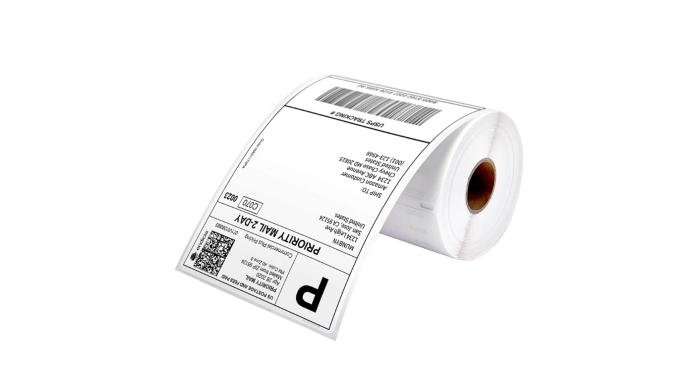
Have a picture of the printed bar code prior to handling and after second scan. Make sure they use the same lighting and angle to allow the supplier to compare the affected area with the original print.
Change the Trial to a Purchase Specification.
Accept the setting that the team can load, print, apply and scan, as per their normal operations. If two packing stations are using two different printers, do the trial on both packing stations before requesting purchasing to standardize on one roll. When only a single stock item can be replenished, it can only be replenished at both stations if it is used with their Approved Set Up.
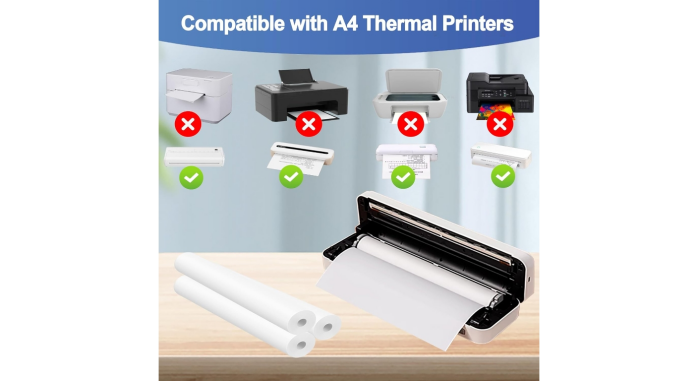
Label the approved sample with a reference ID and retain a short piece of unused media with a printout of the label. On the quotation ask the supplier to verify the agreed configuration - face dimensions, coating, adhesive/roll build etc. On receipt of the first bulk delivery, check the delivery against the retained sample and rejob prior to making any stock distribution to all stations. That provides the operators with a known starting point if something is different with a subsequent delivery.
| Owner | Record to hand over | Recipient |
| Packing lead | Printer preset and test job | Purchasing |
| Dispatch lead | Scan log and exception photos | Purchasing |
| Purchasing | Approved sample ID and signed specification | Supplier |
| Receiving | First shipment lot code and release record | Packing lead |
Conclusion
When a label fails, record the first place in which it fails. A feed fault should go to the printer, a lifting edge to the actual package and the scan failure after handling requires a comparison with the original print. Incorporate those checks into sample approval – then, the bulk order is what is working on the packing line.
FAQs
Q1. Do Direct Thermal Shipping Labels require a ribbon?
Heat sensitive surface is the surface which forms the image directly below the printhead. Set a dual-mode printer to direct thermal when using this stock.
Q2. Why is that the label is not printed when it fits into the printer?
The printer might be expecting a media mark and the roll may be using gaps. Inspect the sensing mode, and recalibrate for the loaded media.
Q3. Is it possible to use a single label for stock of cartons and poly mailers?
Yes, if the same adhesive was used on both the surfaces during the trial. Try out filled mailers, and test out cartons as the film flexes around the contents.
Q4. When is it time to test a top coated shipping label?
Use where printed surface is exposed to moisture or abrasion during normal use. Test and compare the readability of barcodes after same handling.
Q5. When we need to order a replacement for our inventory what should we order?
Provide the printer model and an unused label strip and images of the existing roll and package surface. Explain the problem and its onset.
We'll Get Back Within 24 Hours
Related Articles
Thermal Paper for Printers: How to Diagnose Receipt Problems Before Reordering
2026-11-13
Roll Label Printer Media: How to Match the Roll to the Printer and Applicator
2026-11-13
8.5 × 11 Copy Paper: How to Keep Prints Consistent Across Shared Printers
2026-11-12
Thermal Printing Labels: How to Combine Preprinted Artwork With Variable Data
2026-11-12
