


 Home / News & Events /
-
Share
-

-

-

-

Updated 2 days ago
Thermal Printing Labels: How to Combine Preprinted Artwork With Variable Data
admin
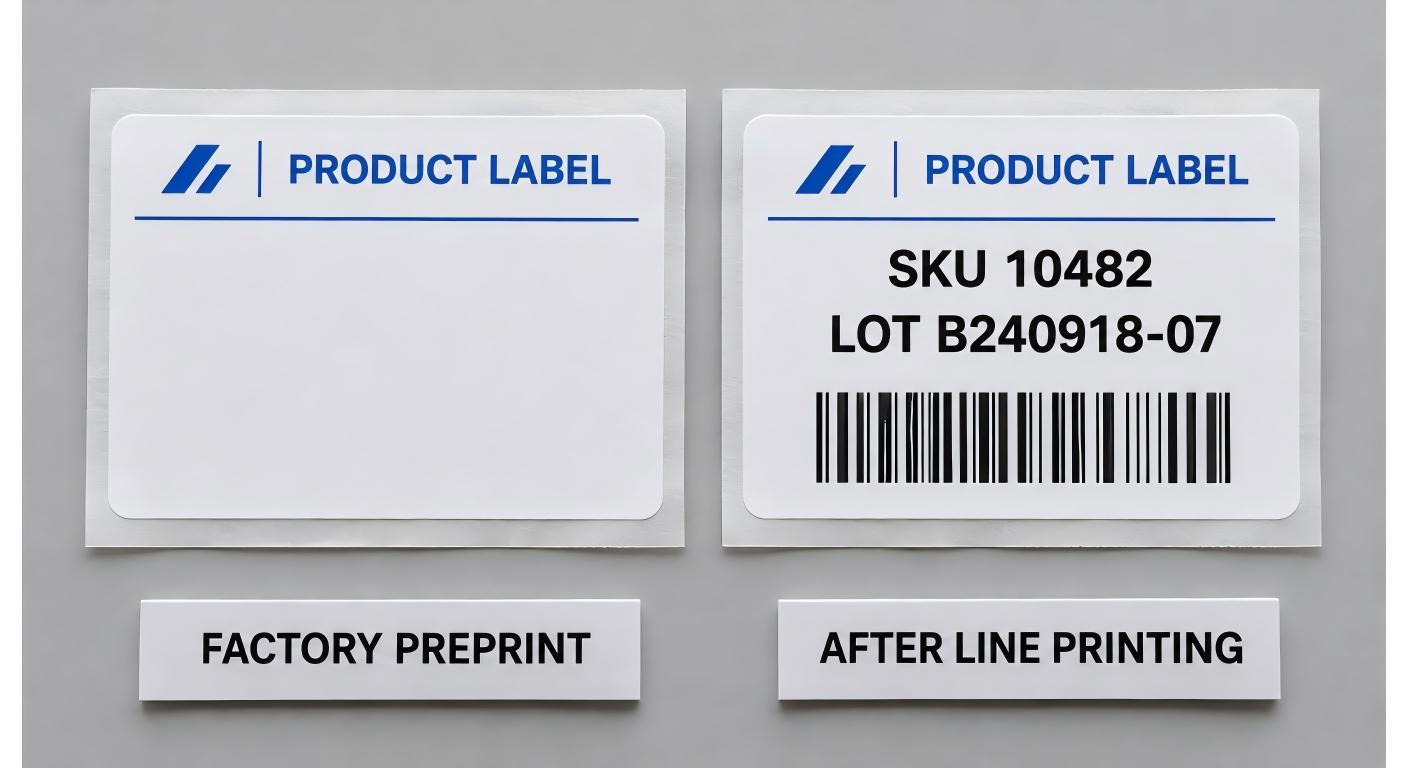
A product label may have a good appearance in an Artwork Proof but still not pass on the Packing Line. The logo and product name is correct, but the first live batch number is embedded in the barcode. In one run the label will print and scan at the bench but the code does not open the SKU. Those issues begin in various locations, and both are simpler to identify prior to processing a full order of labels.
Thermal printing labels have two types of information for packaging buyers and production teams. Certain information remains constant throughout a product line and others vary from one batch or product to another. Determine who will enter data for each field and then OK the label as it will appear once the data is added by the line printer.
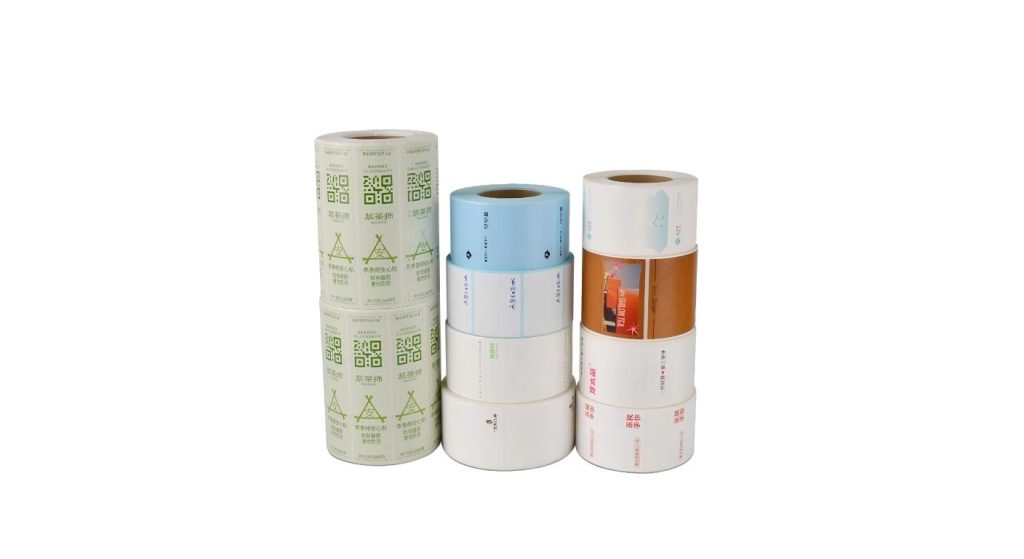
Determine what information should go on at the factory.
Use the logo and other artwork that doesn't change often on the factory print layer when it is appropriate to use the same artwork for multiple production runs. Do not place lot numbers, date codes, etc. (which vary) in the line template. The choice of whether a barcode is on one layer or the other depends on the object the barcode is used to identify. A code which remains constant with a product can be preprinted on a roll for each product. A code containing a batch number and/or serial number should be taken from the data for that item or run.
Jin Bao Brother's custom printed label series is designed for branded artwork for packaging. If you need to have a preprinted sample for subsequent thermal printing, please include a mock-up of the final label as well as a factory artwork. Inform the supplier of the area that needs to be kept clear for the printer. Have a separate copy of the live template for operations and the file used at the line can be checked together.
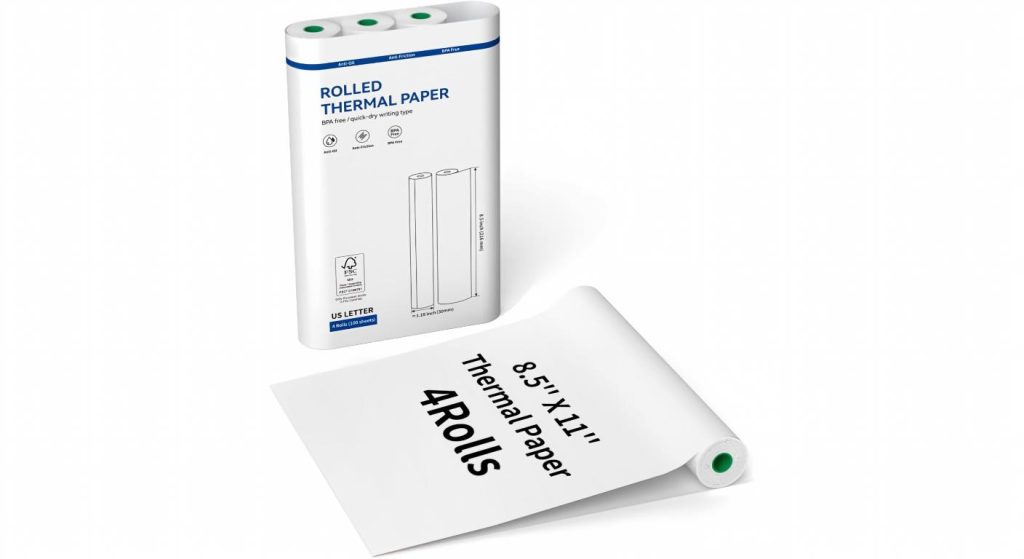
A common printer roll can be used to decrease the stock of designs. Before using multiple products in a single roll design, determine what information needs to be included to differentiate the products after they are on the shelf and/or packing station.
Determine the size of the Print Area for the longest Real Record.
Create the layout using representative production records. Try the longest SKU/lot number and the date format with the most characters. If multiple languages are listed on a single label, enter longest possible product description for the template. Determine which fields are allowed to wrap, and which should remain on one line. The operator may not be able to read the text which may be reduced as a result of an automatic font reduction process.
Be sure to utilize the proper barcode type and leave quiet zones free of background, border and adjacent text. Test the code at the desired print size. It can vary in width by symbology, based on the encoded data. Before making any decisions about a position for the code, put the label on the package. Drawing panels which appear flat may be too narrow for a pouch filled and/or carton flap folded.
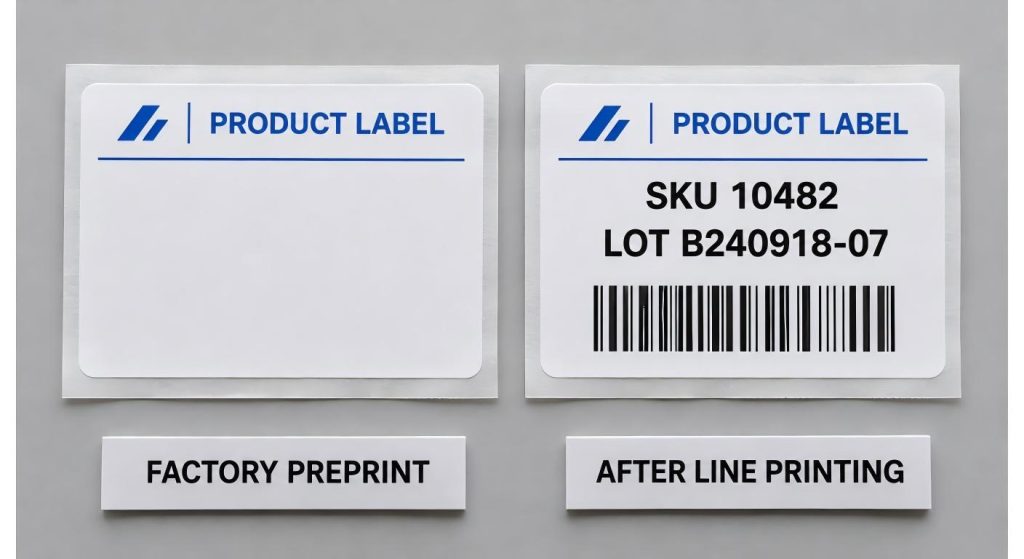
Try a record where the required field isn't filled in, too. Write the template/workflow so it will identify the missing information to be printed. If not, an empty batch field may go through the station while the other elements on a label appear normal.
Make sure that the Surface is prepared to take the second print.
Direct thermal labels are created on heat-sensitive stock, without the use of a ribbon. direct thermal media are like Jin Bao Brother's thermal barcode sticker rolls. When requesting artwork to be printed on a direct thermal label, make sure the art supplier confirms the suggested face, the percent of ink coverage and finish around the area that will be later printed. Test on the completed construction to understand how the chosen artwork and finishes will impact that print area.
If the labels are going to be in use for a longer period of time or subjected to more abrasion, you may want to take a look at the thermal transfer label line offered by Jin Bao Brother. Thermal transfer involves the use of a ribbon, so test the face stock and ribbon combination. Be sure to retain a print copy of the approved print, along with stock and ribbon numbers. If label must be read after normal handling or storage, re-scan at that time.
When converting a roll, check Alignment.
A proof does not necessarily demonstrate how the web will feed but it does demonstrate the correct color and content. Ask for a production type roll using the die-cut shape and liner that you will want to use. Check the leading edge, direction of winding, core and gap/mark specification with your printer/applicator. The roll label guide from Jin Bao Brother gives an explanation on the influences of roll configuration on feeding and application.
Print a short run and see where the variable layer is in relation to the preprinted artwork and die-cut edges. Re-check following a line stop and start or roll change. Check the media feed/sensing if the print is moving relative to the cut edge. If the artwork print is the same size as the preprinted border and the preprinted border moves while the thermal print remains intact, have the converter examine the artwork registration.
Check that the Scan is correct against the Source Record.
Use a scanner to scan the finished label on actual package and compare the decoded result to the record which was the source of the print. Check the batch for a batch coded label and check the SKU. If the scanner displays only a description of the product, review the associated value(s) in the system. A seemingly correct description may contain the previous batch number or next place in the queue number.
Plan for a product changeover in the trial. Print the final one with item label and the subsequent one with the first label and check that the physical roll data, template and order data are correct. If the customer needs formal verification of barcodes, make an agreement before the production about the way of verification and the acceptance of the result. The scan at the line is a program to verify if the code has been read by the workflow. Verification is a method of evaluating the quality of symbols based on a set of criteria.
As a trial, print out a rejected label. Ensure that the operator gets the correct production record and the "reject" copy is removed prior to packing. This is important if there are jobs left in the printer from the previous print job.
| Release item | Example reference | Record owner |
| Factory artwork | ART-07 Rev C | Packaging design |
| Line print template | TPL-07 Rev B | Production systems |
| Converted sample roll | Trial roll R02 | Supplier quality |
| Changeover test | Work orders WO-21 and WO-22 | Line supervisor |
Conclusion
Accept thermal printing label as a completed solution using a combination of factory artwork, converted stock and live production information. Test on the longest fields, check alignment on a production roll and verify the decoded bar code against the desired record. At the same time as the artwork, release the template so that the next order will begin in the same approved artwork/template arrangement.
FAQs
Q1. Would it be possible to preprint the logos and add the batch code afterwards?
Yes, if the stock and finish are suitable for the line printer. Do a preprint test roll before ordering production roll quantities.
Q2. Should all the bar codes be printed at the packing line?
Product specific stock can be preprinted with a fixed product code. Print at line for batch/item change in encoded data.
Q3. Which sample should I send for a label?
Submit the package, artwork and representative production data including the longest fields. Write the printer's model number along with the type of bar code you need.
Q4. Why is it that the variable gets printed over the preprinted border?
Check the template position, media feed and artwork alignment to the die cut. Read multiple labels before making a change on the file.
Q5. Does a successful scan automatically allow for the label?
Also check the values that are decoded against the source record. If customer wishes a formal method of verification, proceed as agreed and accepted by the customer.
We'll Get Back Within 24 Hours
Related Articles
Thermal Paper for Printers: How to Diagnose Receipt Problems Before Reordering
2026-11-13
Roll Label Printer Media: How to Match the Roll to the Printer and Applicator
2026-11-13
8.5 × 11 Copy Paper: How to Keep Prints Consistent Across Shared Printers
2026-11-12
Thermal Printing Labels: How to Combine Preprinted Artwork With Variable Data
2026-11-12
