


 Home / News & Events /
-
Share
-

-

-

-

Updated 4 days ago
Thermal Labels for Totes, Racks, and Cold Storage: What to Use Where
admin
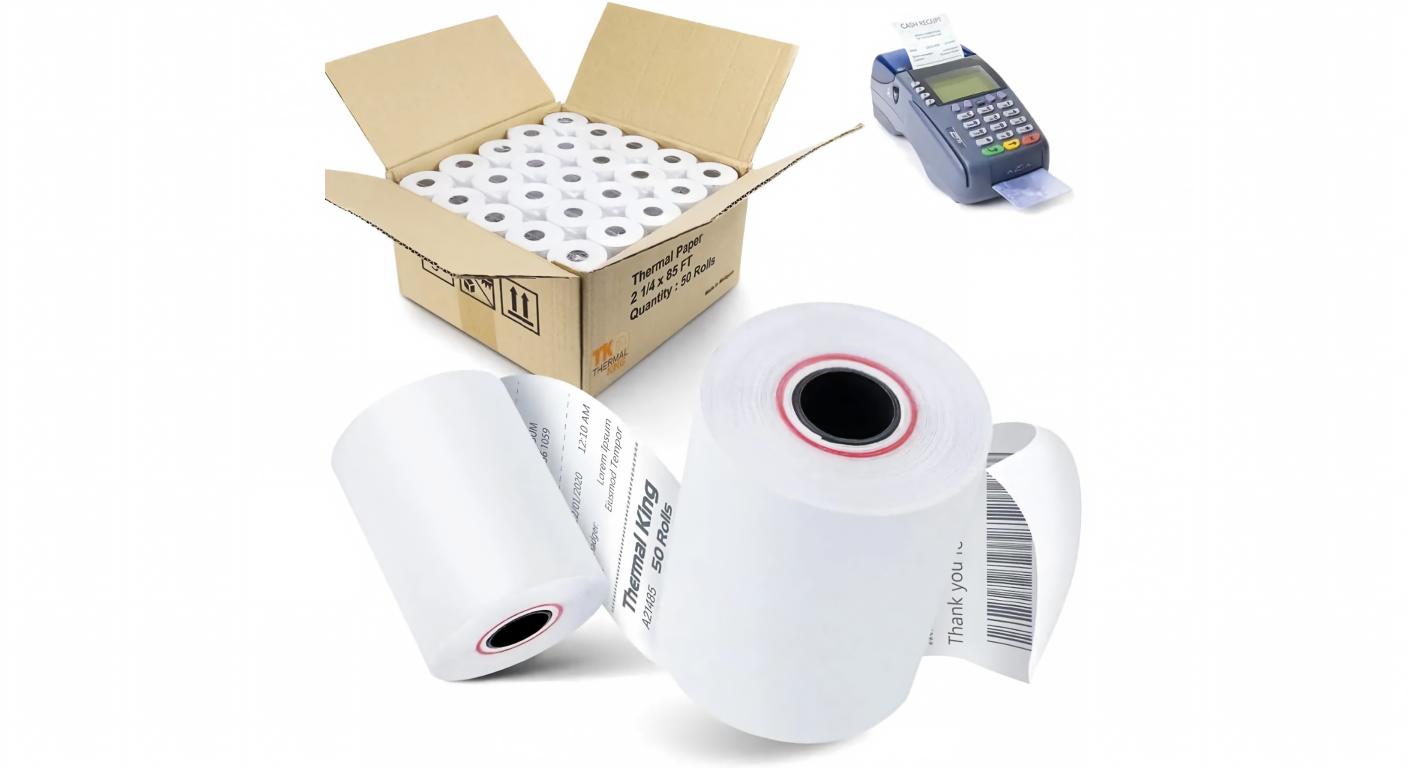
Two labels can be attached to a reusable tote, and the roles of these two labels can be vastly different. One marks the years with the identification of the tote. The other one is for the picker to inform him or her what is being put into it today. If they are both using the same label stock and are side by side, the permanent code can fade before the tote can be retired, and the temporary code can be legible after the order has been removed. These two issues can cause the next scan to be sent to the incorrect record.
The most convenient way to define thermal labels for the warehouse and inventory teams is to determine the time labels start and end to be valid. That choice determines the print process, the face material, the adhesive and even the placement of the label by the operator. This is the same for a picking tote, a rack location or a container moving in and out cold storage.
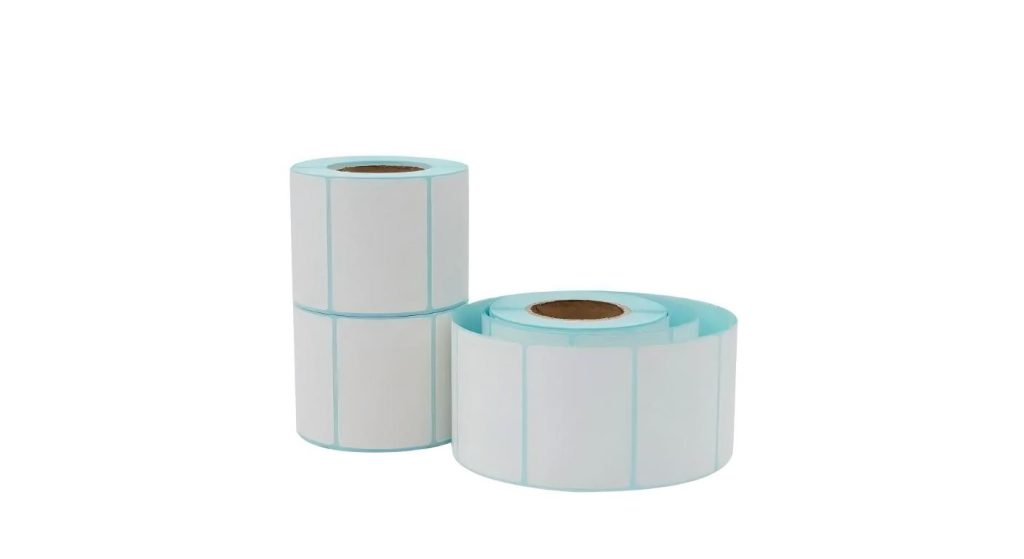
Assign Asset and Task their Own Identities.
Always have the permanent ID of the tote in the same place, and always have a designated area for the current pick task. Write a user-friendly label next to each code so the operator can know which code the scanner prompt is referring to. Once the task is closed remove or replace its label before the tote is returned to empty pool. A new label over an old label may cause an exposure of some of the old label or may cause the new one to accumulate too thick and interfere with application.
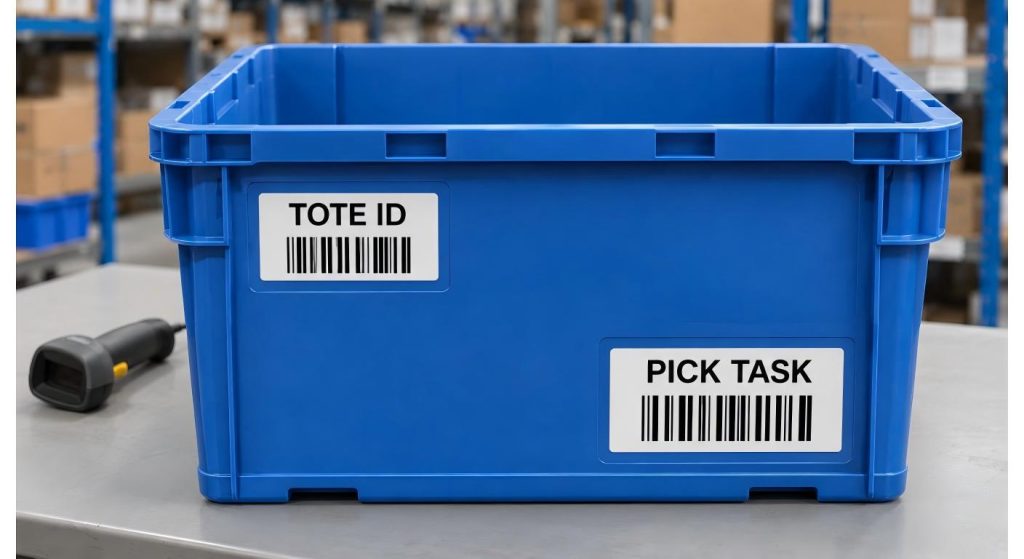
In the warehouse system map those two scans before selecting the stock. An asset scan could trigger an open of the tote record and a task scan verifies a pick. When using a different prefix or barcode format in the workflow, ensure that the scanner and software recognize the prefix or barcode format during every stage of the workflow. Successful scan of a bar code does not necessarily mean it is the correct bar code for the transaction.
For rapidly changing labels use Direct Thermal.
Direct thermal media is used to create images by heating the coated surface with the printhead. It is a practical place to begin and does not require a ribbon, and can be used for a short-lived pick task or as an internal staging instruction or a temporary stock status label. Jin Bao Brother's direct thermal solutions for warehouses and retail. Print the code and readable text in the face size that will fit in the face that operators will view while completing the task.
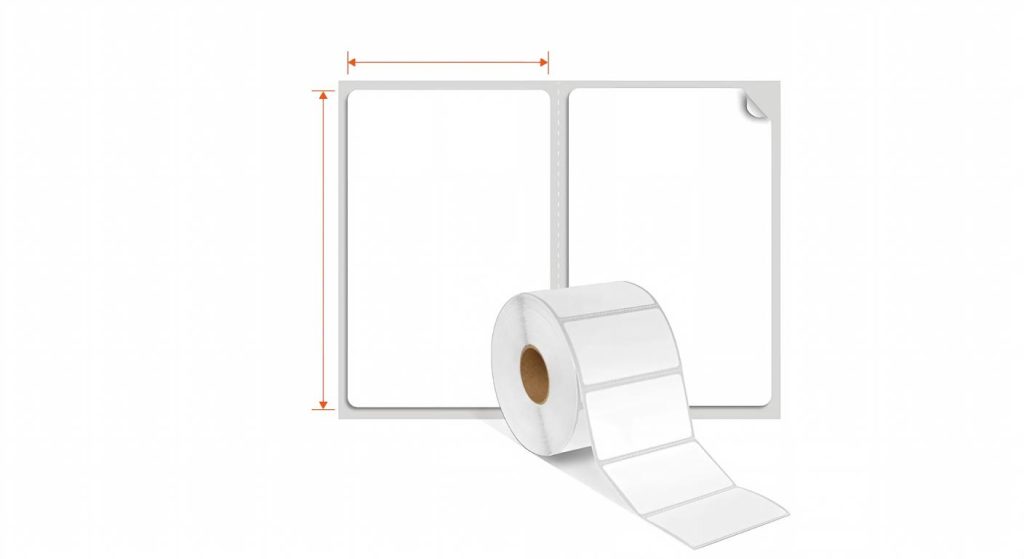
If the picking tote is going to be returned the same day, use some time in the trial to remove the label. A permanent adhesive may leave some residue or pieces which can slow down next operator. Jin Bao Brother has both removable and permanent face stock and adhesive guidance. Test the removable sample on the actual tote plastic following the normal dwell and cleaning procedure. The feel and non-residual properties may vary as a result of textured surfaces and wear.
Consider adding a tote used overnight (if unfinished picks are a regular occurrence on a shift). Insure that the label remains adhered during the delay and that it easily peel off when the job is done.
Indicate a Longer-Life Construction for Rack and Asset IDs
A rack location code can remain unchanged for numerous times as the inventory cycles. Tote IDs can be touched often by hands, other containers and cleaning cloths. Jin Bao Brother's thermal transfer labels range is a great choice for these kinds of positions. Qualify the ribbon and label as a set – it is a thermal transfer printer that places the image on the face material. If the printed code isn't robust enough to withstand the handling it will endure, then so is the face stock.
Mount a rack sample where it will stand on the shelf, and scan at the point where an operator would be in an aisle. It may be difficult to locate a code that is read on the bench when the rack is loaded, particularly for codes located behind a beam lip or near another location code. After the regular cleaning procedure, verify the printed bars, the human-readable location and the attachment. Check the results individually, to correct a placement problem at the rack.
Consider a Cold Zone as a separate Application.
Different conditions can be encountered for two labels that are placed in a cold room. If a label is applied to a dry container at room temperature it will have time to stick before it cools. A replacement placed within the cold room can come in contact with a cold or damp surface fairly quickly. Provide the supplier with the temperature of application, and the service temperature range. Include chilling labels in the trial if the labels are to be applied after the container has chilled.
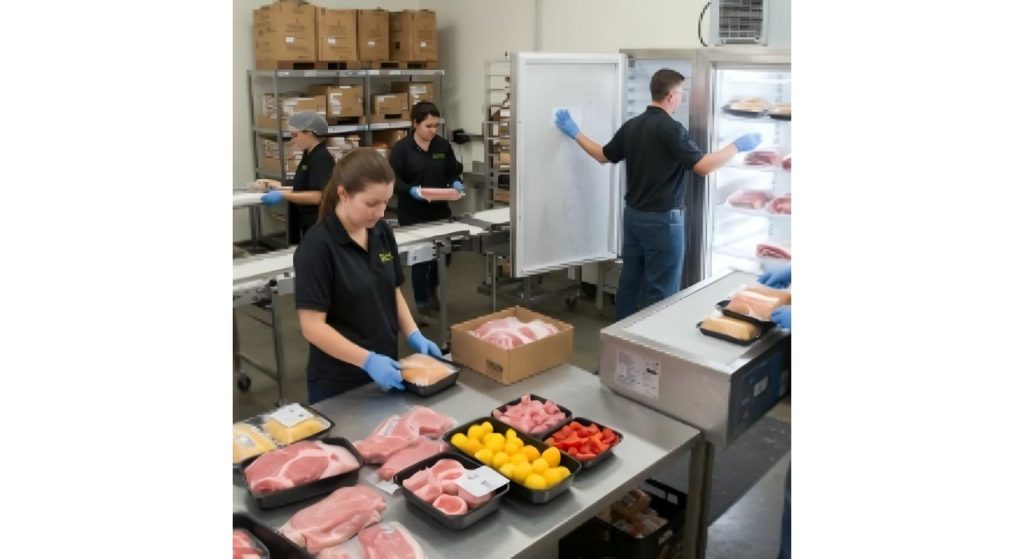
Test the printability on the surface and the adhesion separately. So rubbing and moisture protection can be achieved with a protective face coating and adhesion under conditions the adhesive is designed for can be solved with an adhesive developed for cold applications. Jin Bao Brother's top coated thermal label paper rolls include freezer-grade adhesive among the list of labels. Inquire about a face and adhesive that can be provided at the same time. Verify the readability of the scans, and edge lift after the container has gone through its normal temperature changes.
Remember to retire each code at the end of its job.
To prevent problems before purchase, subject standardizes to a complete operating cycle before buying a label. If it is a temporary instruction, follow a tote from issue to return to ensure that the old task code has been removed prior to reassignment. Simulate a location change and for a rack location, confirm that staff removes/takes away/completes covering of the old code and staff updates the location record. When considering a cold-zone label, be sure to verify it at the last scan point, where moisture or handling may have altered the outcome.
Include the switching over as part of the work instructions. Create a distinct item name for each approved stock, stating the item's purpose. Leave the approved print and a sample label for use by the next shift to ensure the right material is being used. If two rolls are similar, store them in different slots, and label the task name on the bin.
Decide who will have permission to print out each code. The existing Tote ID should be used for a replacement Asset Label and the existing Task Label should be used for a replacement Task Label, and should be obtained from the active Order Record.
| Scan exception | Assigned role | Immediate action |
| Two active pick tasks on one tote | Picking lead | Hold tote assignment |
| Rack code opens another location | Inventory control | Verify location mapping |
| Cold-zone ID unreadable at dispatch | Dispatch lead | Hold container for ID verification |
Conclusion
The label which survives is useable only if the code still needs to be in the flow. Distinguish between assets and temporary instructions, correlate the face material and glue to the conditions and specify when each code is removed/replaced. Then each label can be bought by purchasing and the operations can be told which code to scan for a given job.
FAQs
Q1. Will a tote be able to have a permanent ID and a temporary pick label?
Yes, assign a different position to each code and different function in the system. Take off pick label before re-assignment of the tote.
Q2. Does direct thermal label require a ribbon?
Direct thermal labels are made by forming the image on the heat-sensitive surface. Feed into the printer directly thermal (no ribbon).
Q3. Does top-coated label automatically makes it suitable for cold storage?
A topcoat is used to cover the face and the performance in cold conditions relies on adhesive and application conditions as well. Try the entire label out on the actual container.
Q4. Is it OK to reuse the ribbon with all our labels?
There are a number of factors that determine whether or not a ribbon will be compatible with a particular face material and the amount of wear it will be subjected to. Try the suggested ribbon/stock combination.
Q5. Why is there inventory error with readable bar code?
It could indicate a previous task, or a nearby area. Check if any record is opened and close all the code that is not required at that scan point.
We'll Get Back Within 24 Hours
Related Articles
Thermal Paper for Printers: How to Diagnose Receipt Problems Before Reordering
2026-11-13
Roll Label Printer Media: How to Match the Roll to the Printer and Applicator
2026-11-13
8.5 × 11 Copy Paper: How to Keep Prints Consistent Across Shared Printers
2026-11-12
Thermal Printing Labels: How to Combine Preprinted Artwork With Variable Data
2026-11-12
