



 Home / News & Events /
 -
Share
-

-

-

-

Updated 5 months ago
How to Print Shipping Labels: Guide for E-Commerce and Small Business
admin
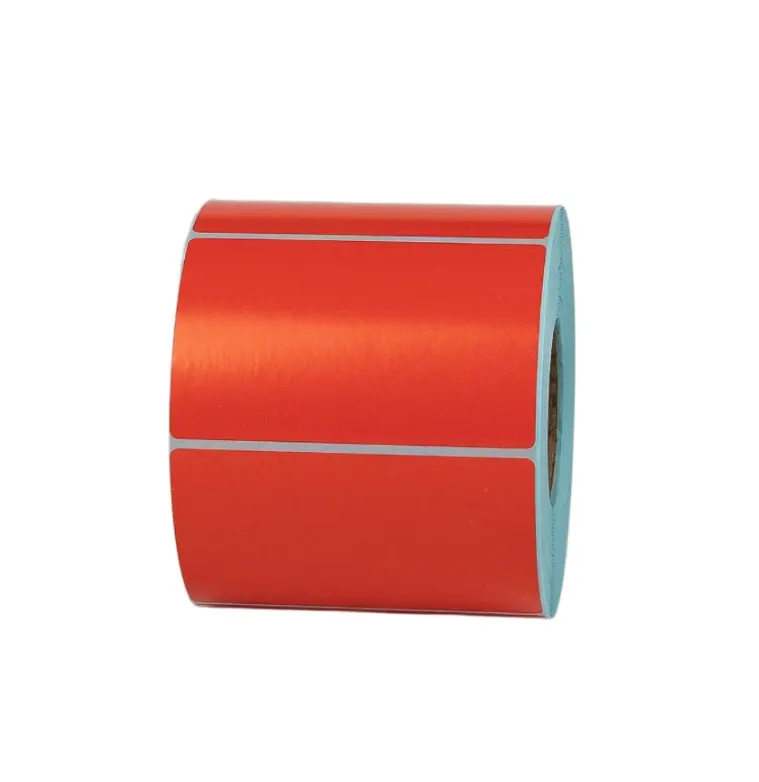
Step-By-Step Guide to Printing Shipping Labels
It may appear that the process of printing shipping labels is an easy one, but when you have a closer look, it is the backbone of any properly organized logistics. Whether you are running a growing e-commerce company or have a home-based business, understanding how to print shipping labels properly can save time, reduce errors, and increase customer satisfaction.
Shipping Label Process in Logistics and Fulfillment
A shipping label is not an address tag. It is a complete shipment documentation printing system that connects your product to a delivery network.
A typical label includes:
• Information about the sender and receiver.
• Creation of a barcode to follow numbers.
• Carrier information
• Service level details
• Last-mile delivery routing codes.
All this parcel labeling process ensures that your package is delivered to the right destination without wasting time.
Shipping Label Printing and Its Significance to E-Commerce
In e-commerce, labels play a crucial role in processing orders in terms of speed and accuracy. A streamlined order fulfillment labeling system helps:
• Reduce manual errors
• Improve dispatch and delivery labels.
• Shipping can be automated.
• Printing of batch order labels.
With online sellers, it is not an option but a requirement to print shipping labels effectively for online stores.
The Procedure for Printing Shipping Labels Step-By-Step
New to this? The following step-by-step instructions will assist you in printing shipping labels at home:
Step 1: Choose a Shipping Platform
These tools can help in digital labeling and integration of courier services.
Step 2: Place Order
Enter the recipient's name, address, and the weight of the package. Always follow the format of addresses.
Step 3: Select Carrier
Choose shipping carrier services, which include USPS, FedEx, UPS, or DHL, based on price and delivery time.
Step 4: Generate Label
The system produces a barcode shipping label in PDF format.
Step 5: Print the Label
Print on adhesive label sheets or label rolls.
Step 6: Attach Securely
Ensure that the labels are sticky and sturdy to deliver safely.
How to Print Shipping Labels with Ease for E-Commerce
How to easily print shipping labels at home is a common question among beginners. It will be based on your configuration. To have a home-based shipping arrangement, you need:
- A printer, inkjet, laser, or thermal.
- Label paper or rolls.
- Shipping label templates
A4 sheets are fine for low volume, in case you are asking how to print shipping labels on a home printer.
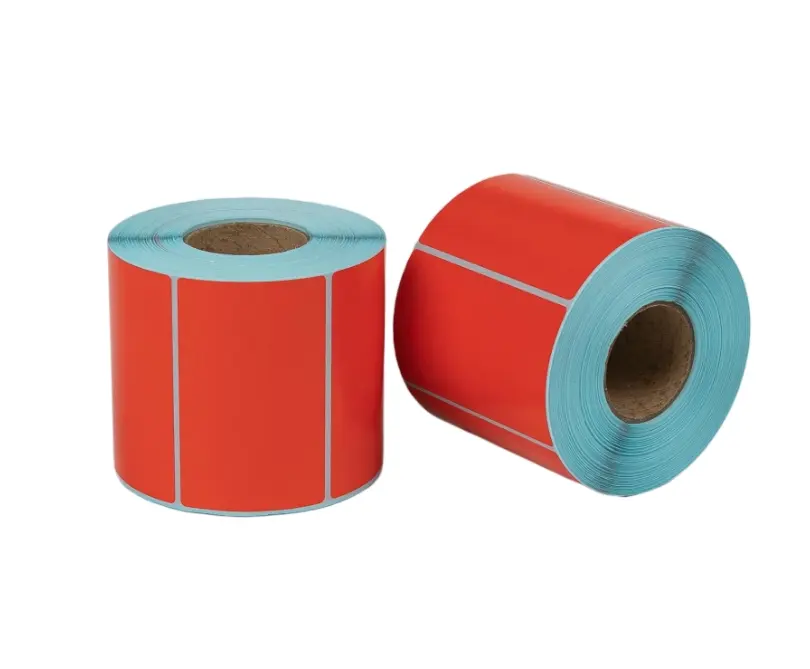
Printer Options Explanations, What Printer to Use
The choice of the right printer is significant for printing labels in a cost-effective manner.
Thermal Printer
• No ink required, heat-based.
• Most appropriate in high-volume ecommerce.
• Supports thermal label printing technology.
• Best use with 4x 6 shipping label printing system.
Inkjet Printer
• Favors small businesses.
• Paper-type flexible.
• High cost of ink in the long-term.
Laser Printer
• Clear print output with increased print resolution (DPI) on labels.
• Faster than inkjet
• Ideal when printing in large quantities.
When comparing a laser printer vs. a thermal printer in terms of shipping label paper roll, thermal is more efficient, and laser is more versatile.
Thermal Printer: Printing Shipping Labels
This thermal printer shipping labels guide will come in handy should you have an e-commerce store.
• Direct thermal vs thermal transfer printing based on durability needs.
• Label printer to 4x6.
• Ensure compatibility of label rolls.
• Regularly calibrate printer labels.
Smudge-free labels are produced by thermal printers and can be used in logistics tracking labels.
How to Print Shipping Labels with an Inkjet Printer at Home
An inkjet printer is the cheapest way of printing shipping labels when one is starting or when he or she is on a strict budget.
• Use adhesive label sheets.
• Print at high DPI to be clearer.
• Adjust change labels.
• No smudging of ink with good paper.
This is feasible in cases where DIY shipping labels are employed in establishing a small business.
Shipping Label Printing Guidelines for Small Business
Small businesses need solutions that are scalable. Shipping label printing as a small business is done as follows:
- Print shipping labels.
- Automate order packaging and labeling.
- Integrate with e-commerce sites.
- Save time with batch order label printing.
This improves productivity in workflow shipping and reduces human efforts.
Shipping Labels: Learn to Print Shipping Labels for Online Stores
This e-commerce shipping label printing guide is applicable if you have an online store:
• Connect your store to shipping tools.
• Shipping automation tools.
• Print out order labels.
• Use scalable solutions for labeling.
You can:
• Print Shopify orders.
• Print shipping labels WooCommerce.
• Print shipping labels with Etsy or eBay.
This makes the entire shipping process of online stores an easy process.
Shipping Label Printing Software and Tools
Modern tools simplify the process of label printing. Popular features include:
• Free shipping labels generators.
• Bulk printing options
• Carrier rate comparison
• Automatic tracking updates
This is equipment that supports label printing systems within the warehouse and increases efficiency.
Printing Shipping Labels for Courier and Logistics Providers
Each courier has its own system. In a nutshell, it is as follows:
How to print USPS shipping labels: Use USPS Click-N-Ship
- To print FedEx shipping labels, use FedEx Ship Manager.
- Printing UPS shipping labels, use UPS WorldShip.
- Instructions on how to print DHL shipping labels, use DHL EasyShip.
- These systems ensure that courier labels are prepared and delivered.
Label Formats and Technical Requirements
Technical know-how improves the precision and legibility of prints. Common formats:
- Industry standard 4x6 labels.
- A4 home printer paper.
Key Technical Elements:
Barcode printing, 1D and 2D codes.
- High-quality print, 203 DPI or higher thermal.
- Proper label positioning settings.
- Always use print-ready label files to avoid errors.
Choosing the Right Label Material
The industry norm is to develop high-quality label rolls that are robust and effective. Characteristics to consider:
• Good packaging adhesive.
• Smudge-proof and waterproof labels.
• Direct thermal compatibility.
• Waterproofing.
This ensures that labels are readable during transportation and handling.
How to Save on Printing Shipping Labels?
Cost problems, especially for startups. Low-cost shipping label set-up hints:
• Save on ink costs by using thermal printers.
• Buy labels in bulk.
• Optimize shipping workflows
• Prepare free shipping labels.
This helps in maintaining the operations as cost-effective.
Easy Guide on How to Print Shipping Labels on Orders
Expanding companies are interested in automation:
• Place shipping tools in your store.
• Allow automatic labelling.
• Use batch printing
• Well-organized package labeling system.
This increases efficiency and reduces errors in the process of fulfillment.
Better Packaging Solutions: Internal Resource Guide for Businesses
Professional solutions at Jin Bao are available in case you want to improve your packaging and labeling process. We offer innovative packaging ideas that are in tandem with the modern logistics needs and branding.
Conclusion
The right tools, the right setup, and smart workflow can make a simple label a powerful logistics tool. To elevate your packaging and shipping experience to the next level, look at the intelligent solutions with Jin Bao and transform your operations to a new level today. Turn every label into a smart logistics tool with Jin Bao. Start upgrading your system today.
We'll Get Back Within 24 Hours
Related Articles

Cash Register Roll Quality Testing: 7 Technical Parameters Buyers Should Check
2026-09-30

Custom Carbon Copy Paper Technology | Jinbao Brother
2026-09-30

How Long Do A4 Thermal Paper Rolls Last? Image Durability and Storage Explained
2026-09-29
Eco-Friendly A4 Thermal Printing Paper: Sustainability Trends and Recyclability
2026-09-29
